
Simple Steps to Add DNS records in Direct admin
1. Login into Direct Admin.

2. Click the DNS management icon under Account manager.

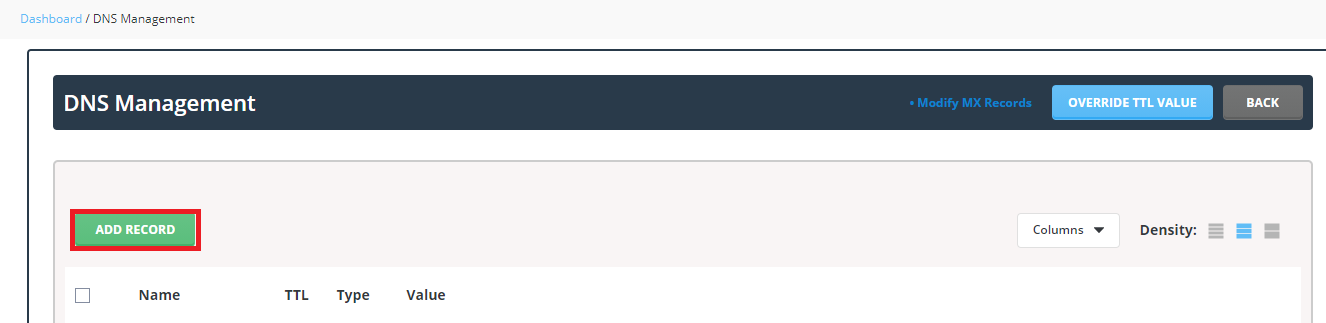
3. Here click Add record.
Now you will be able to see a popup box with a record type that can be chosen.
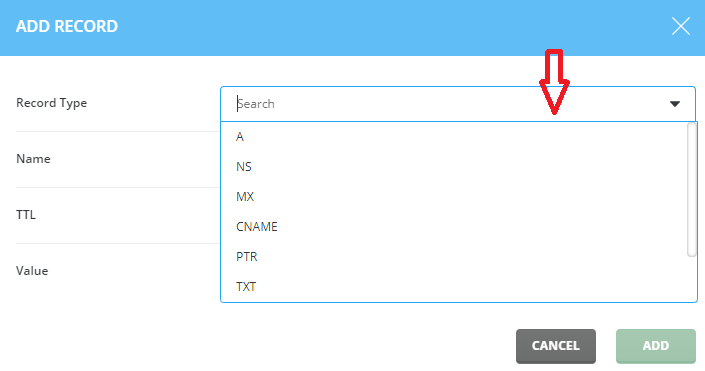
Here we have to choose the Record type, name, TTL value, Value.
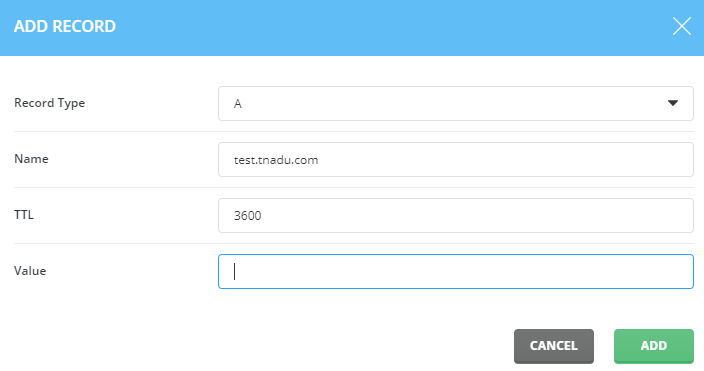
And then Click Add option.
Now we have successfully learnt the how to Add DNS records in Direct admin.