
let us see the Easy steps to create an FTP account in Direct Admin.
Although not the most secure, FTP is the most popular and proven way to upload content to a web server. The great advantage of FTP transfer compared to web-based file managers is that FTP connections allow you to load the entire guide tree at once.
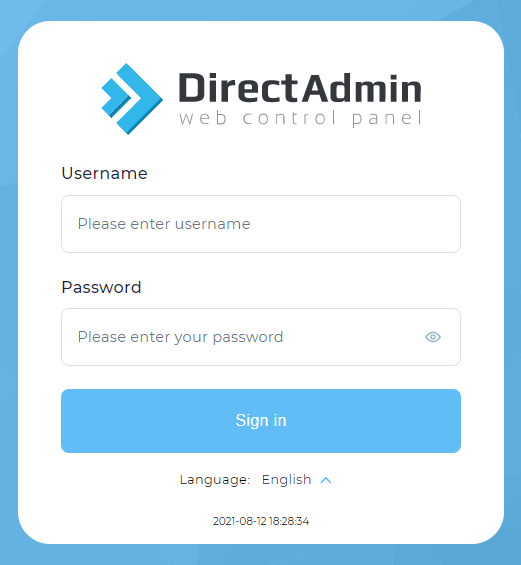
1.Sign in to DirectAdmin.
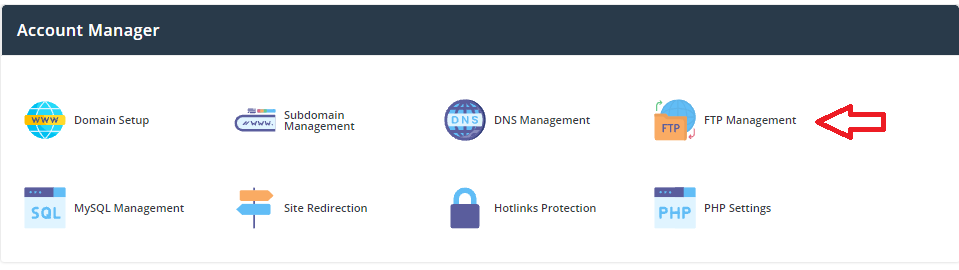
2.Click on the FTP Management link.
3. Click Create New FTP Account.

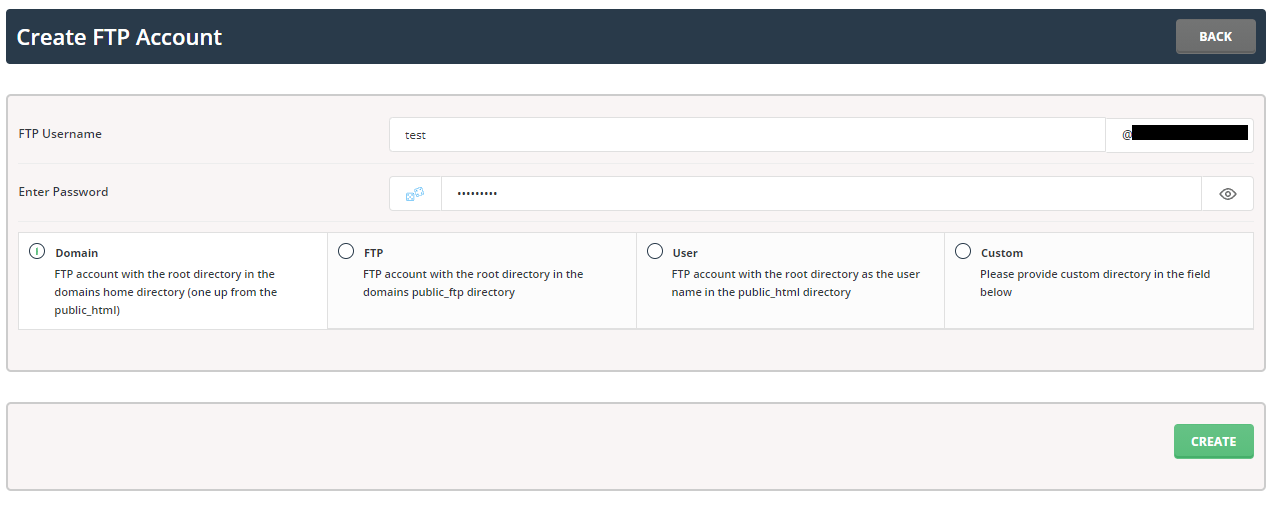
Provide the following information:
FTP username
User password
type password
Select the directory path for your FTP account. In this case, you can also set your own custom server.
Click the Create button to create an FTP account on your server with the DirectAdmin Hosting Control Panel.
Now we have learned Easy steps to create FTP account in Direct Admin.