
Easy steps to create email forwarders in Direct admin
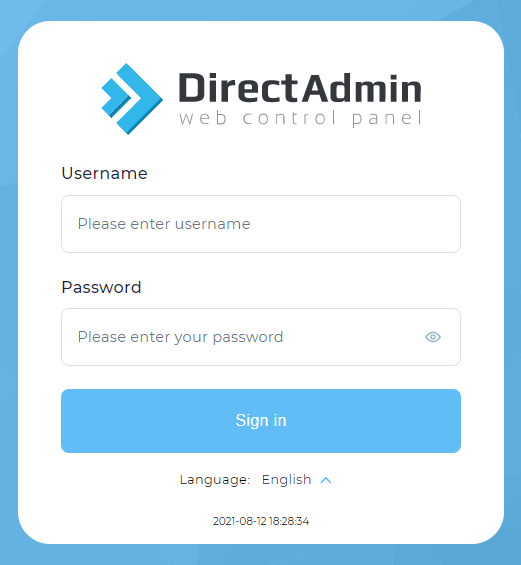
1. Login into Direct Admin.
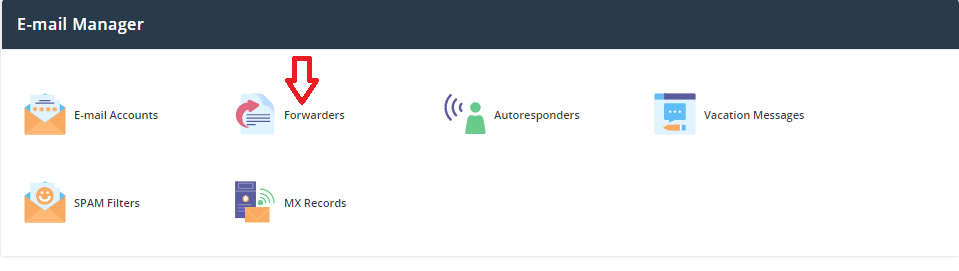
2. Click the Forwarders icon under Email Manager.
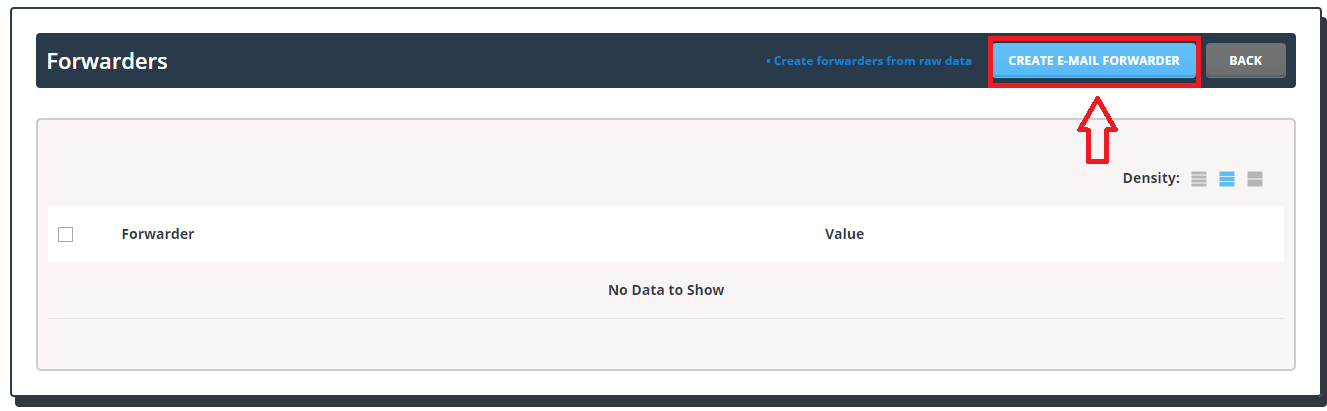
3. Click >> Create E-mail Forwarder.
4. Now in the pop-up enter the domain-based email id for which you want to create email forwarding. ( To know how to create a email account in Direct admin please refer Easy steps to create email account in Direct admin)
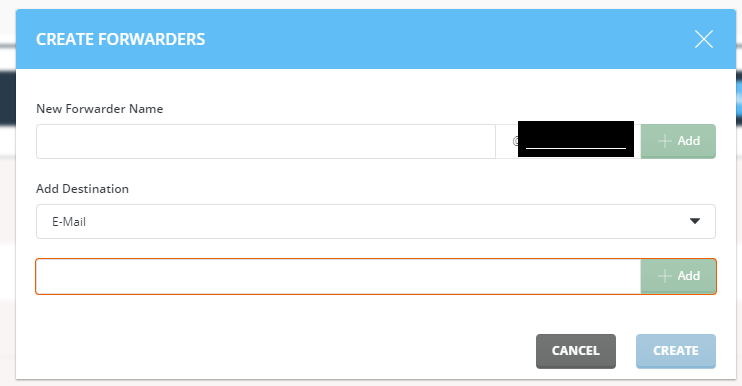
And add the Destination email address in the respective field and click create.
Now we have learned about the steps to create email forwarders in Direct admin.