
Easy steps to create an email account in Direct admin:
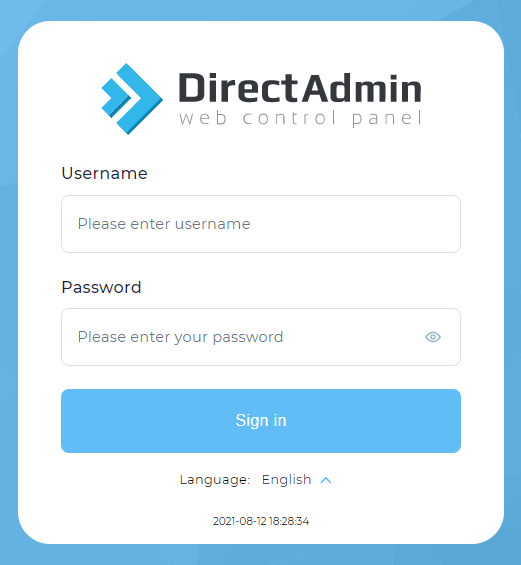
1. Login into Direct Admin.
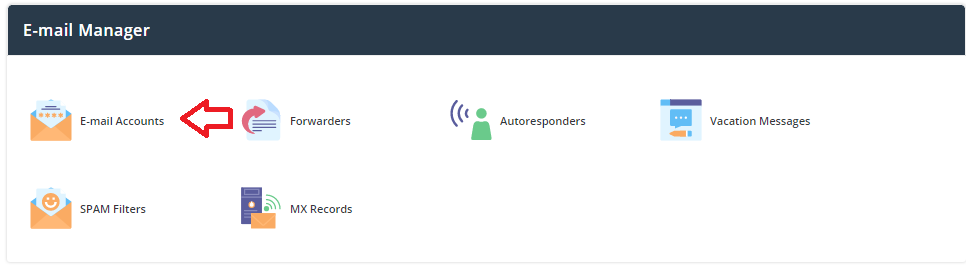
2. Click the Email account icon under Email Manager.
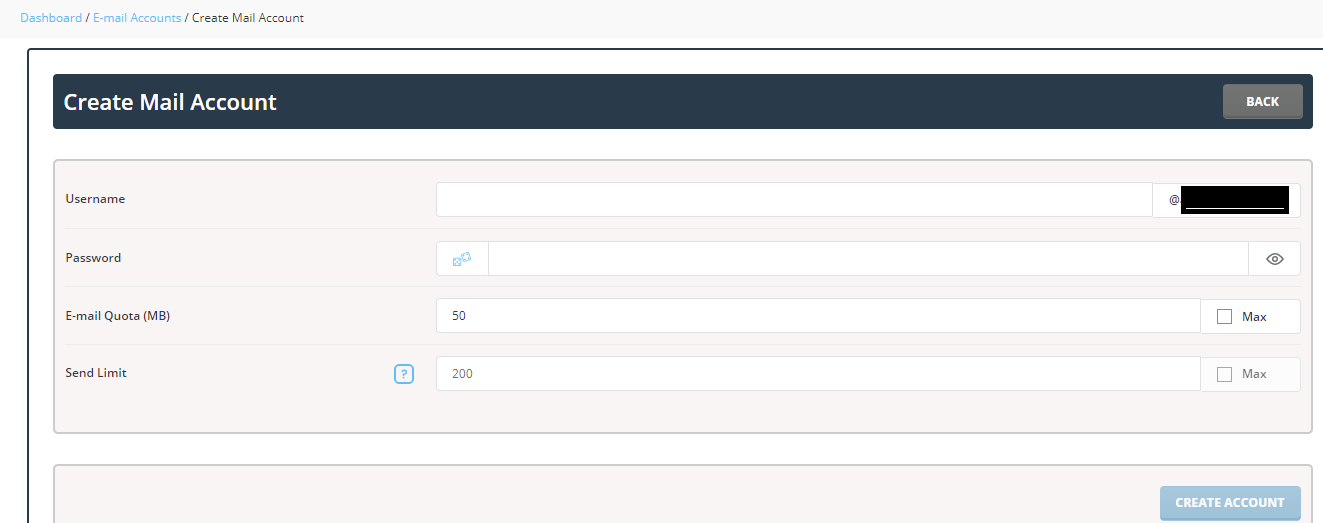
3. Now Click Create Account.

4. Type the user name in which you want to create the email account @yourdomain and set the quota limit.
Then enter the password for the email account and click Create Account.
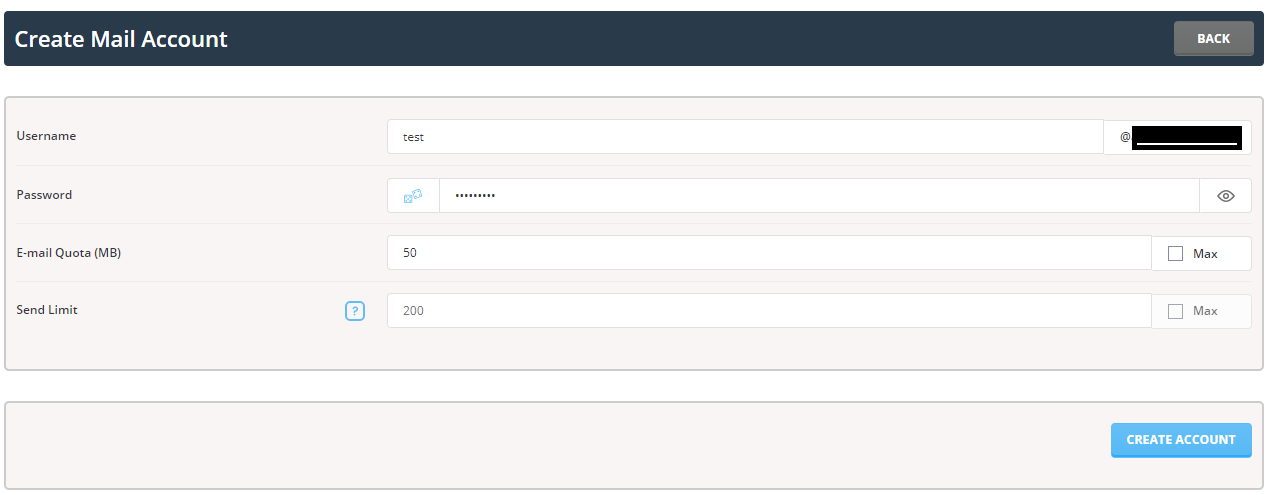
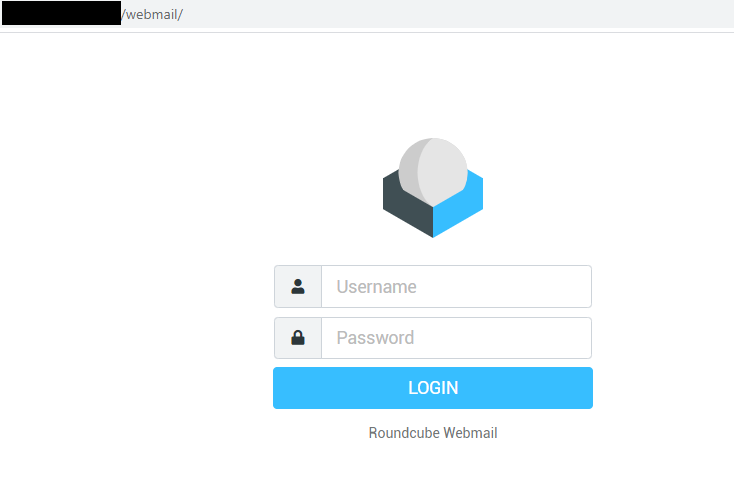
Now the email id is created and you can access it using the URL yourdomainname.com/webmail/.
We hope now you have learned the simple and Easy steps to create an email account in Direct admin