
Simple steps to enable DKIM in Direct Admin
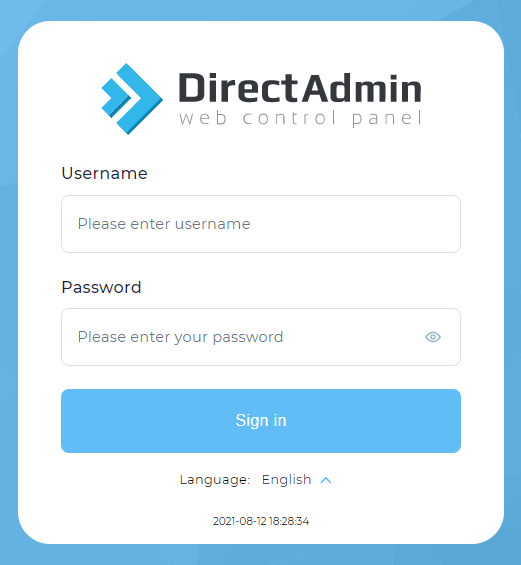
1. Login into Direct Admin.
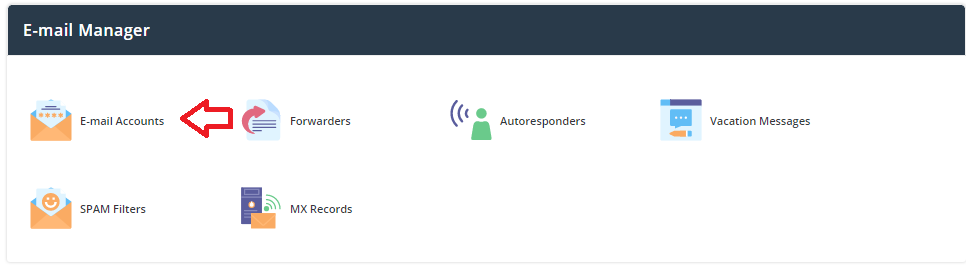
Click Email account under Email Manager.
Here Click Enable DKIM on the top right side.

By doing this all the domain-based email accounts will be enabled with DKIM records.and this will make sure the messages are not altered in mail transit between the mail server of sender and receiver.