
Contact forms really help the customer to interact with us by asking their queries and sharing feedbacks. Now let see the simple steps in creating a contact form in WordPress.
Steps in creating contact forms in WordPress :
Step 1:First add a contact form plugin, Here I choose ninja forms.
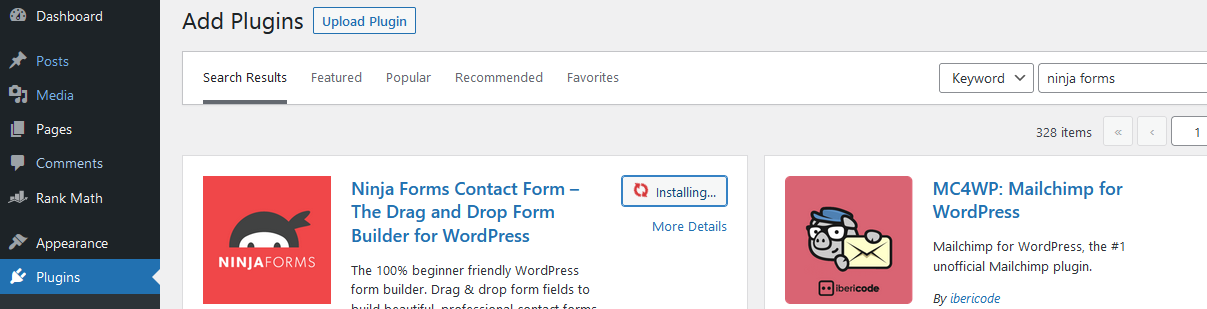
Once installed the plugin click activate
Step 2: Now we can able to see Ninja forms option in the left side of the panel as showing in the page,
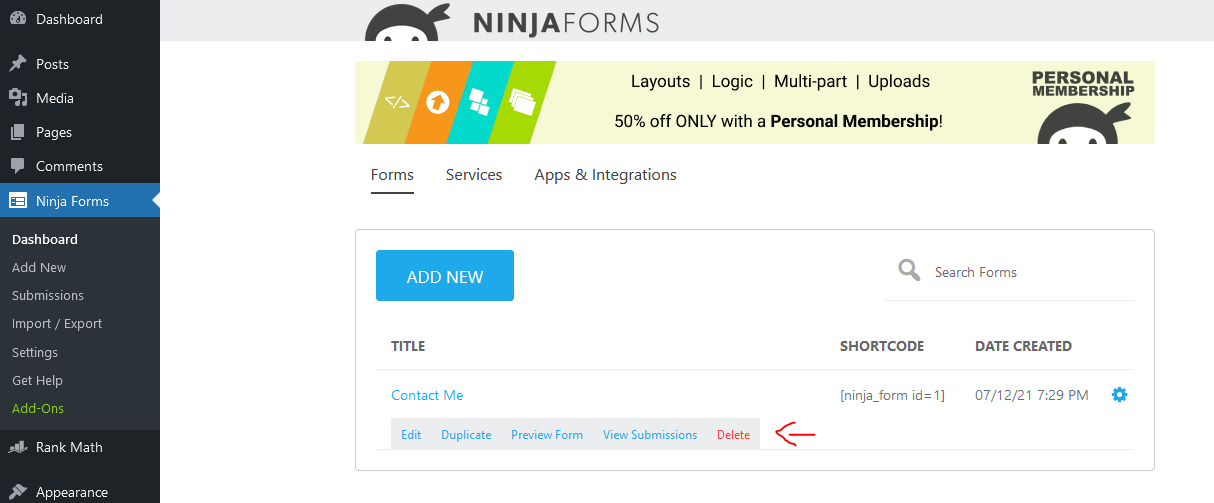
Click that and delete the default contact form.
Step 3: Now create a new contact form.

Step 4: For adding the created contact form first we need to create a new page.
Click Pages > Add New and name the page as contact form.
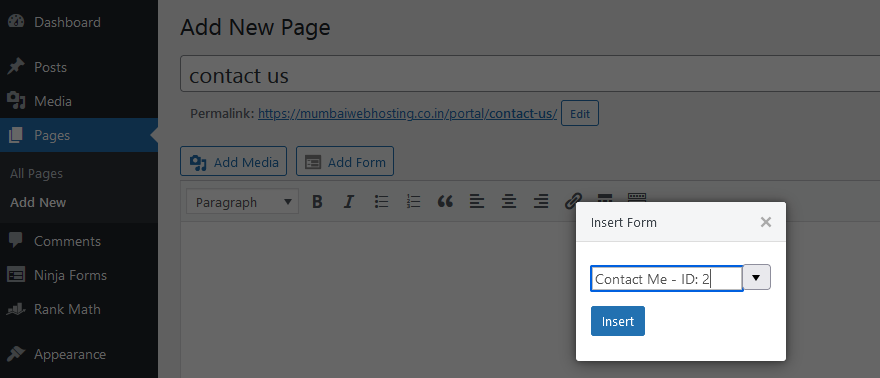
Now insert the form and choose the form from the drop-down list.
So finally we have created a contact form using WordPress using the plugin.