
Simple 5 steps to remove frequent IP block due to mod-security in Direct admin
Step1: Login into the Direct admin panel user account.
Click > Domain setup

Step 2: Here Click the Domain name and click the Modsecurity option at the right side top .

step3 : Now , Here Click the option Log.
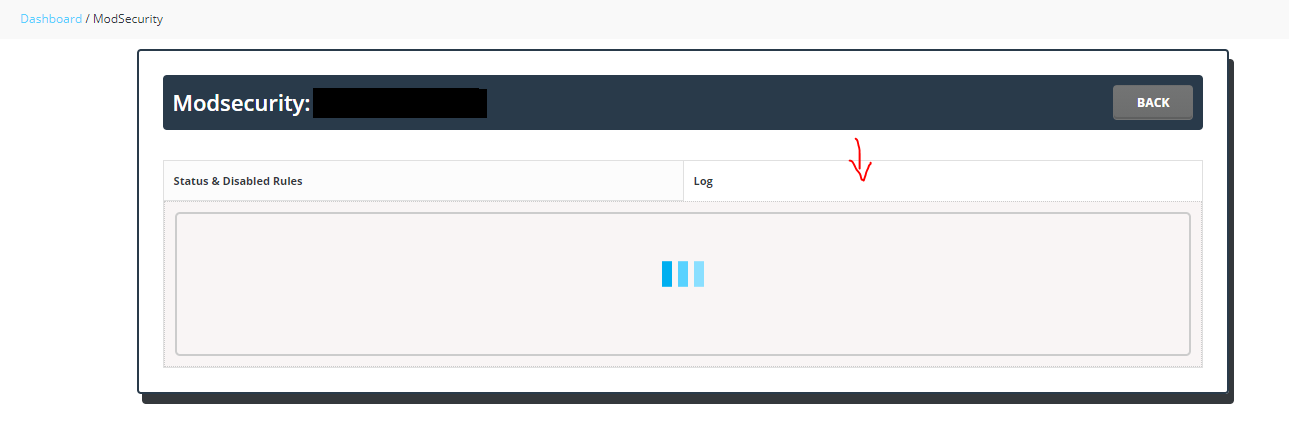
Steps4: In the log, search with the IP .
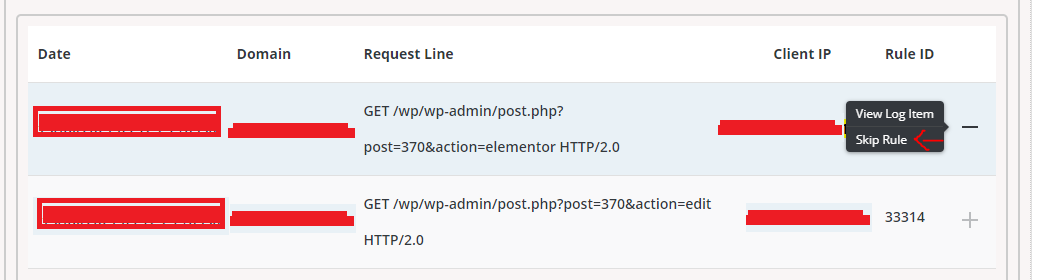
Now we can able to find the mod security rule and issue facing URL which triggers the rule.
Step 5:Click Skip rule.