
In this post, we are going to learn about the easy steps in Creating a reseller in Direct Admin.
Easy steps in Creating a reseller in Direct Admin
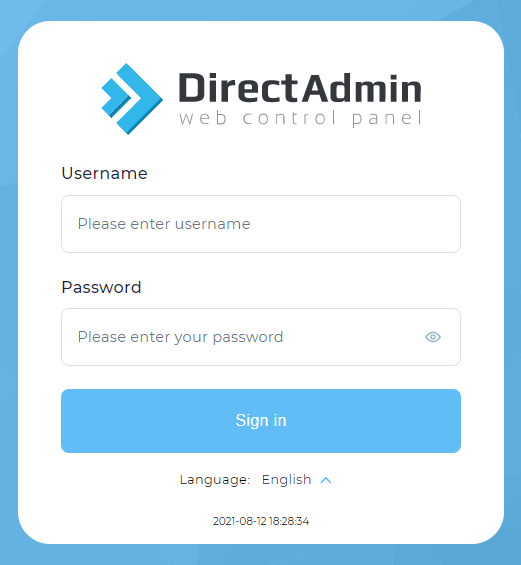
1.Log in to the DirectAdmin control panel.
2.From Category Management, click on Create a reseller link.

3.Fill in the required information:
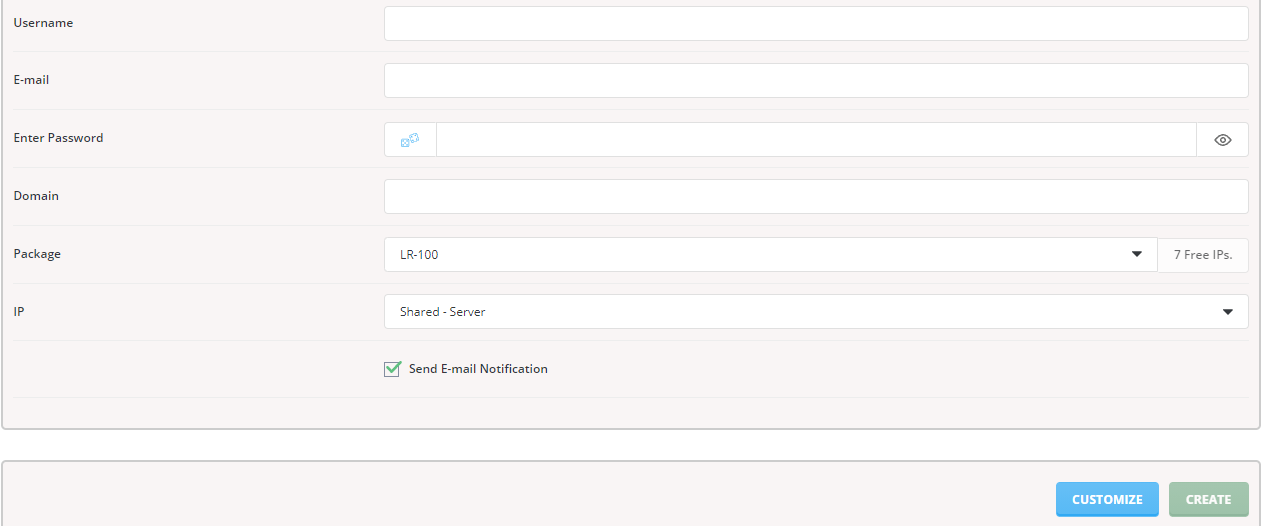
Username
Email address
Password
Retype new password
Domain Name
Select the resell package from the drop-down menu
Assign an IP address to the Account drop-down menu, etc.
4. Click the create button.
5. Now we have learned the easy steps in Creating a reseller in Direct Admin.