In this post, we are going to learn about How to create packages in Direct Admin.
How to create packages in Direct Admin:
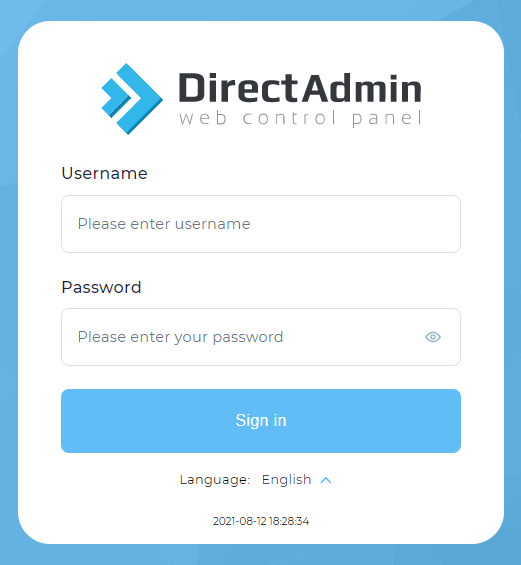
Step1: Login into the Direct Admin Control panel as Admin/ Reseller.
Step 2: Click > Manage user packages under the Account Manager section.

Step 3: Click > Add package
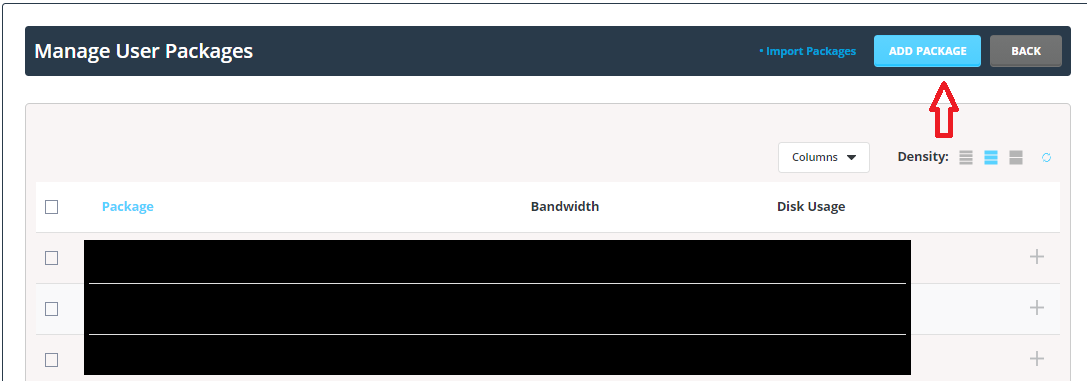
and here you can set the disk space, bandwidth, number of an email account and FTP, etc.

Step 4: Before saving the package assign the package with a name to identify the package with the unique package name.
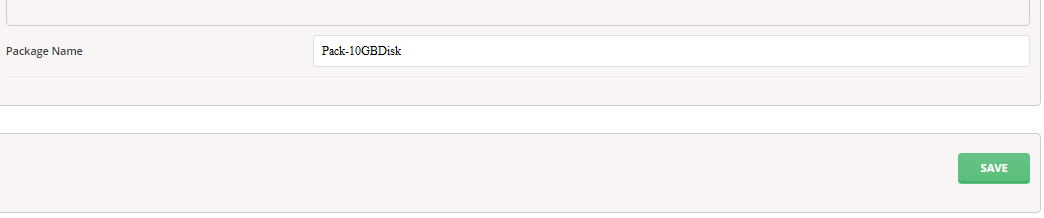
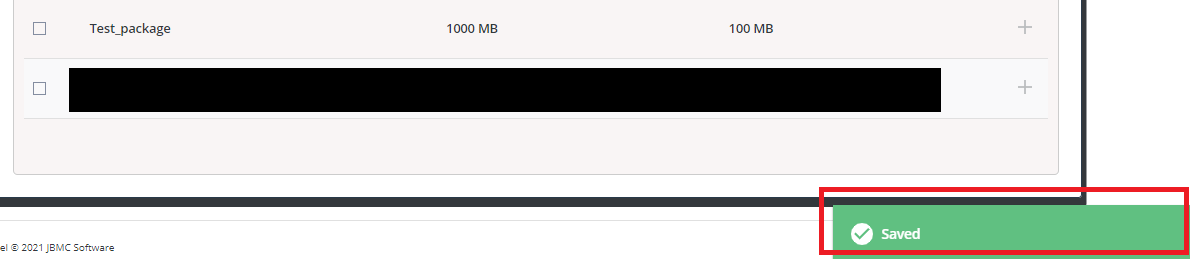
Step 5: Now click > Save then you will get the success message Saved.