
Let’s learn about Simple steps to increase file upload size in Direct Admin
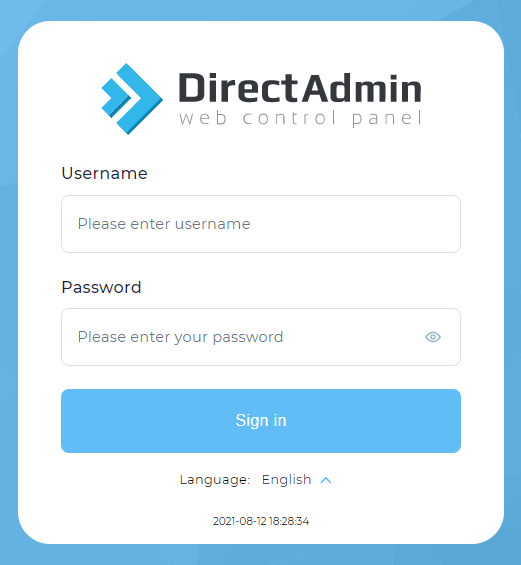
1. login into your Direct Admin control panel as an admin user.
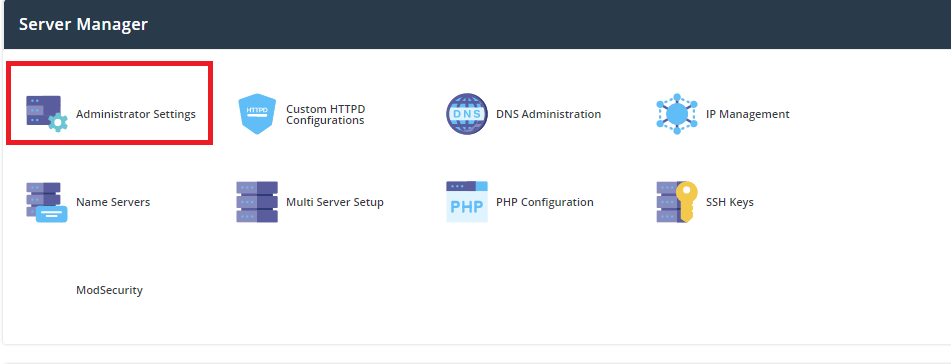
2. Navigate to Server Manager >> Administrator Settings
3. On the Server Settings tab, look for the Max Request / Upload Size option.
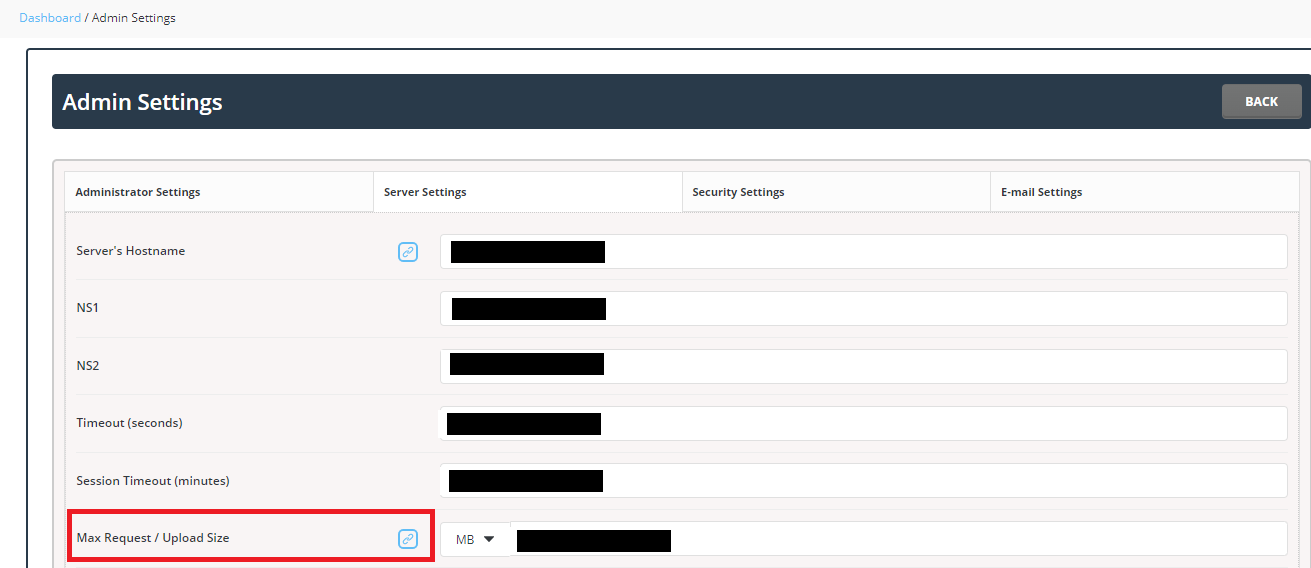
4. Modify the value per your needs Click the SAVE button when done.
