
In this post, we are going to learn about how to create a user account in the Direct Admin control panel.
Steps to create a user account in Direct Admin control panel
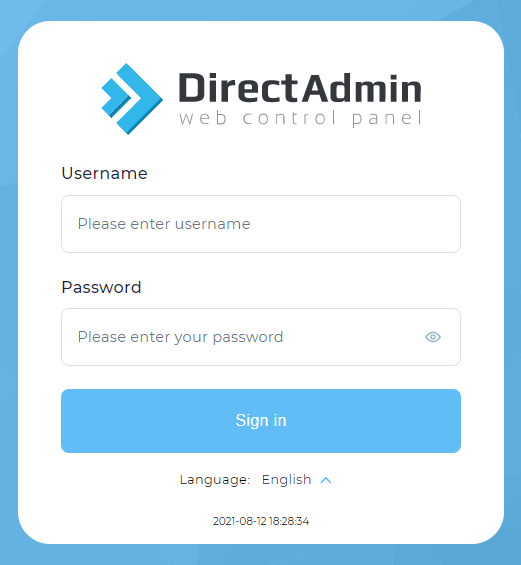
- To create a new user account in the Direct Admin control panel first, we need to login into the Direct Admin control panel as an Admin/Reseller.
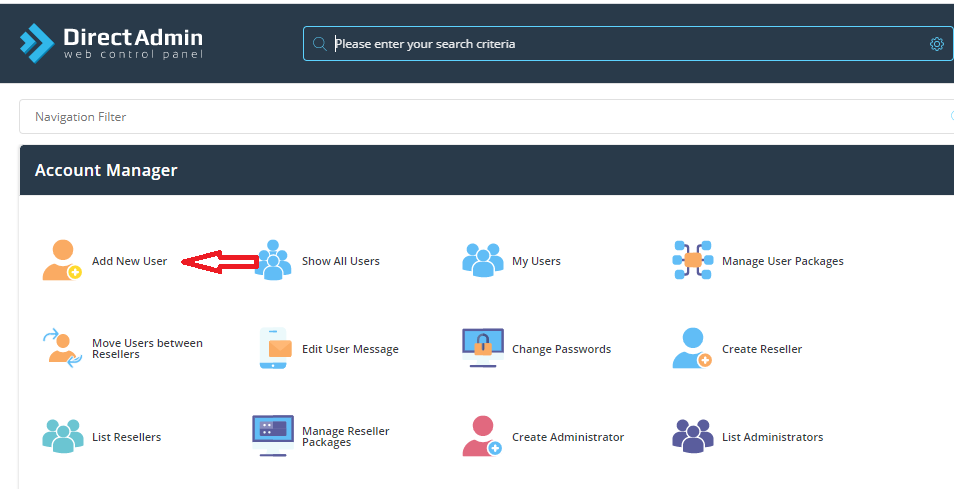
- Once logged click > Add new user under Account Manager
- Now you will be shown with text fields to fill in the below details.
user name :
Email id:
password:
Domain:
User package:
IP:
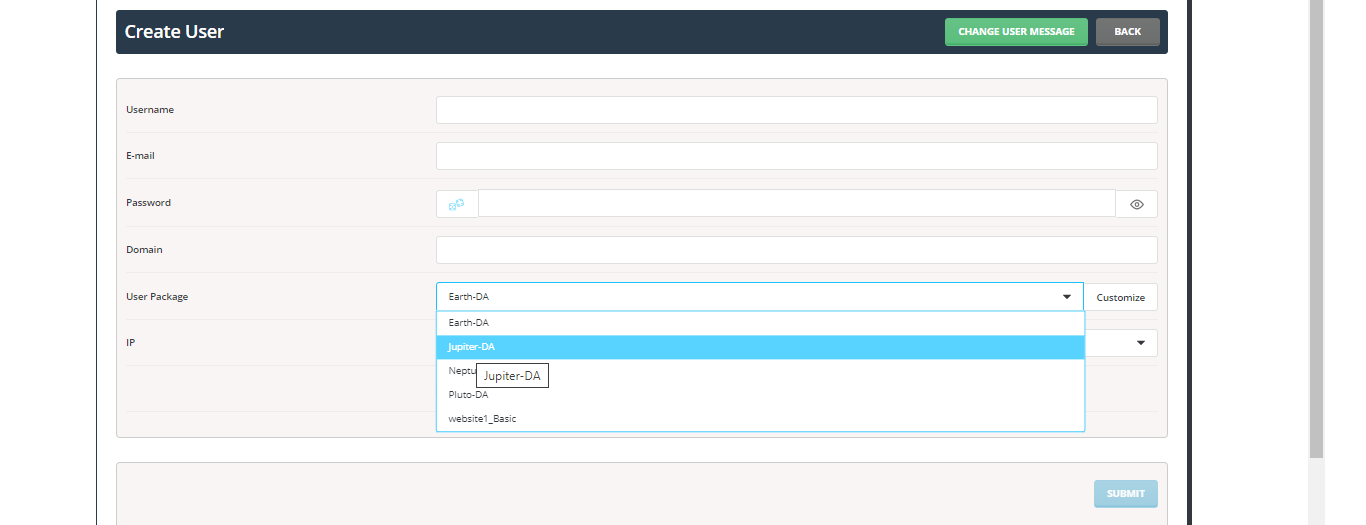
You need to fill that in and then choose the package from the drop-down list(To know about how to create a user package please refer to this( How to create packages in Direct Admin control ) which you would like to assign for the user account as shown in the screenshot.
- Now for example I have created a user account at tnadu.com Once all the details are filled in and the package is chosen click submit button.
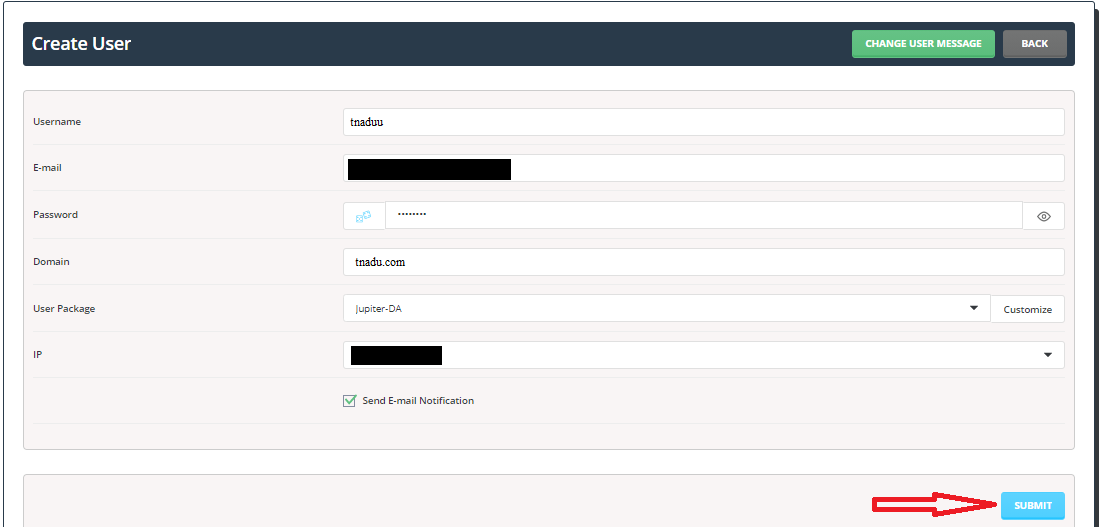
- Now we have successfully created a user account in the Direct Admin control panel.