
Easy steps to install Free SSL in Direct admin, this is what the blog post will help you to learn.
In Direct Admin the SSL certificates have the option for installing a free SSL (Let’sEncrypt ) which can be installed with simple steps.
And this will be more helpful for beginners who initially start their online business, Instaling Free SSL saves them a few pence.
Easy steps to install Free SSL in Direct admin
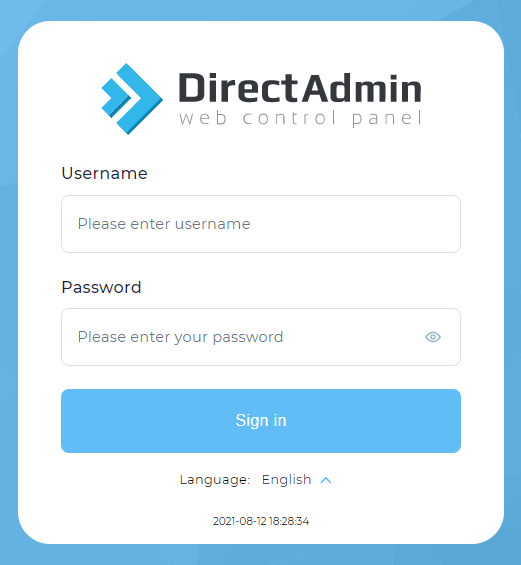
1. Login into Direct Admin.
2. Navigate to Account Manager >> SSL Certificates
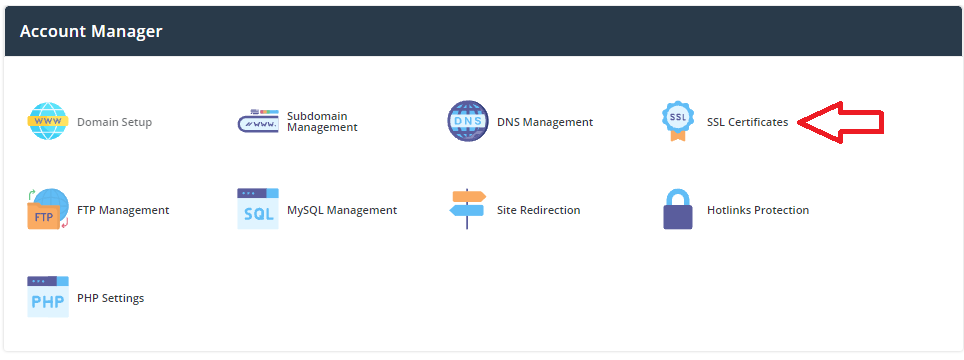
If you don’t see the SSL certificate option in your Direct Admin read this article and learn How to Enable/Disable the SSL option for a user account in Direct Admin
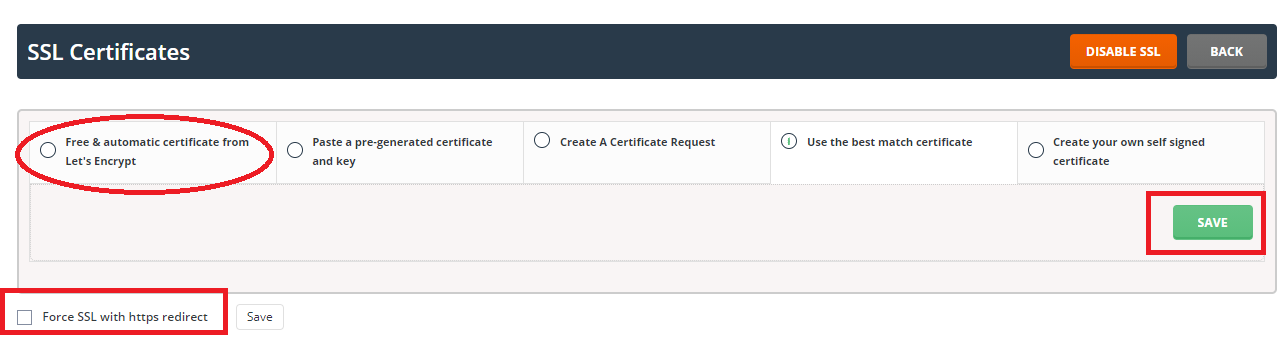
3. Click on the free start tab with the automatic certificate from Let’s Encrypt.
4. Select the address for which you want SSL certificates. In most cases, you will want to protect domain.com, www.domain.com, and mail.domain.com.
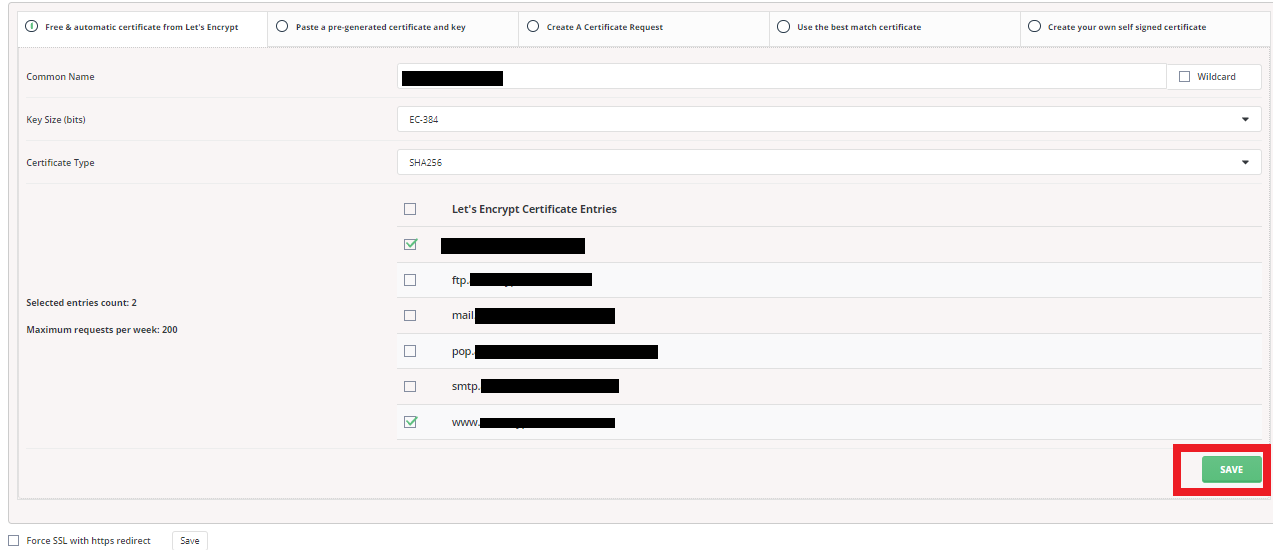
5. Click the SAVE button. SSLs will be installed and redirected to the page where you will see the details. A confirmation message will be displayed.